
One Indicator Trading Strategy for Futures: How to Use Runic Pro
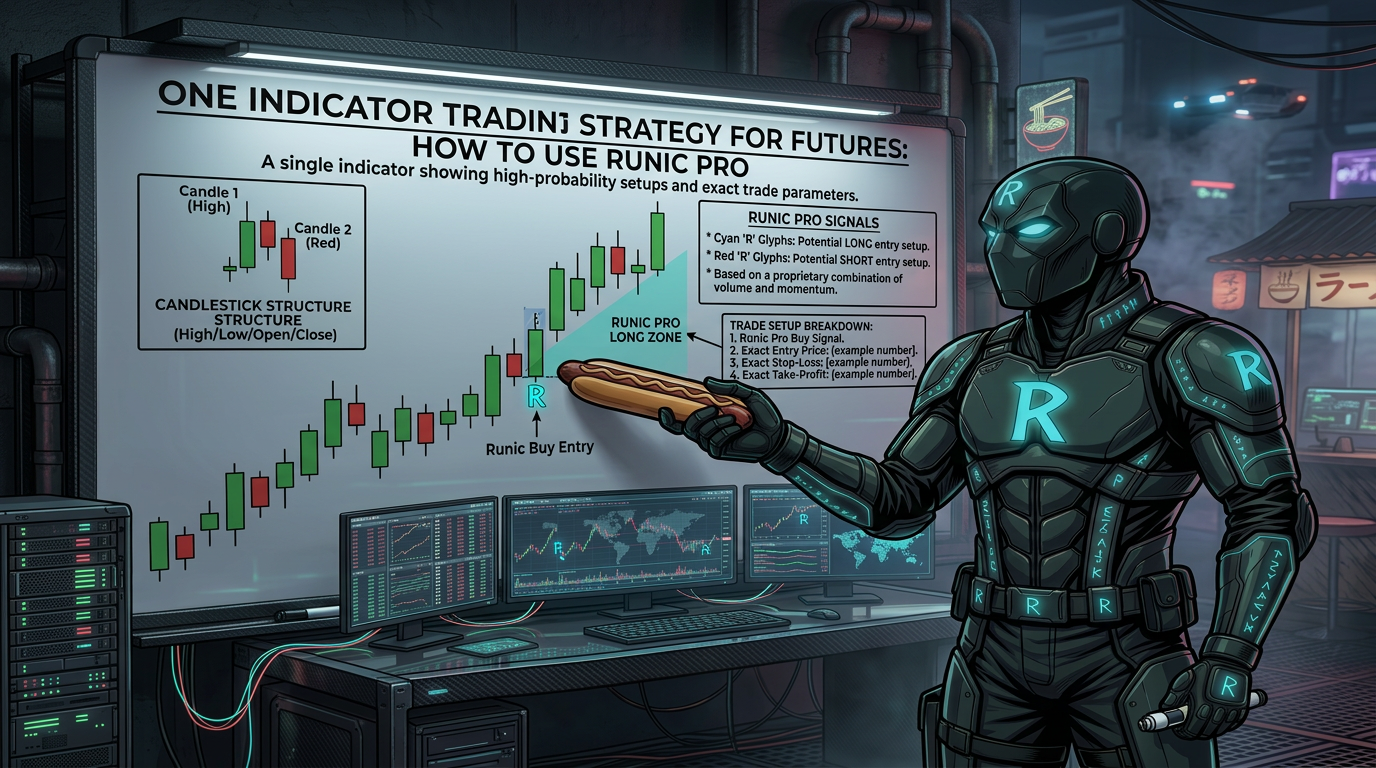
How Runic Pro Works
Runic Pro puts signals directly on your chart. When a high-probability setup forms, you see it right away. You place a stop order at the level shown. When price hits that level and starts moving, you're already in the trade. You don't try to catch tops or bottoms. You don't chase moves that already happened. You enter as the move begins to accelerate. The indicator also sends email and Slack alerts so you don't have to stare at your screen all day.
What the Signals Look Like
Runic Pro uses a few simple visual cues. Yellow candles show exhaustion building in the market. Triangle markers show the exact price where you should place your entry order. Colored lines show your entry price and your stop loss level. Optional profit target suggestions are also shown. Everything you need is on the chart. You do not need to do extra math or analysis.
Not Every Signal Is Worth Taking
Some signals are stronger than others. A strong signal has a wide-range exhaustion sequence and the signal candle does not retrace much of that range. A weak signal has a tiny exhaustion range or the signal candle retraces almost all of it. Choppy market conditions with big candle wicks and small bodies are a warning sign. During those times, signals have a lower chance of working. It is okay to skip low-probability setups. There will always be more good signals later.
Using Previous Signal Levels for Later Trades
After a signal plays out, its price levels stay on the chart. These levels can still be useful. For example, a purple line from an earlier sell signal can act as a breakout point for a later buy trade. If the market drops sharply and then price breaks above that old level, it can confirm a reversal. This is a discretionary edge. You are using your reading of market context to find setups that a bot would not recognize.
Managing Your Trades: Manual vs. Automated
You have two ways to manage trades. You can use automated stop management like NinjaTrader's ATM Strategy, or you can manage stops manually. Automated management is convenient. It moves your stop to breakeven and trails it without you doing anything. But it is mechanical and cannot read market conditions. Manual management takes more attention but lets you adjust. For example, in choppy conditions you might hold your stop at breakeven longer instead of moving it too soon. Neither method is better. It depends on how much you can watch the screen.
Time of Day and Context Matter
Some hours are better for trading than others. The 11am Eastern hour often sees strong moves. The 12pm hour can be choppy and low range. Knowing this helps you filter signals. Around 10 minutes past each hour there is often strong movement. You can use these time-of-day patterns along with the signals to make better decisions. Context like recent big moves, market structure, and candle behavior all help you judge if a signal is worth taking.
How to Stop Feeling FOMO
FOMO means fear of missing out. It makes traders chase moves and take bad setups. Runic Pro helps you stop feeling FOMO because it shows you how many good signals appear every single day. When you see that there are always more setups coming, you stop feeling like you need to take every trade. You can wait for the good ones. You can even take time off from trading without feeling like you are missing something. Abundance of setups changes your mindset.
Getting Started with Runic Pro
Runic Pro runs on NinjaTrader 8. Installation is simple. It works on any timeframe from 1-minute to daily charts. It is built for NQ futures but works on any market with enough price movement. A free training course is available that walks you through how to use the signals, manage trades, and pick the best hours to trade. There is also a 30-day money-back guarantee. If the signals are not clear or you are not seeing good setups, you can get a full refund with no hassle.
Frequently Asked Questions
What markets does Runic Pro work on?
It is built for NQ futures but works on any market that has enough price movement. You need NinjaTrader 8 to run it.
Do I have to watch my screen all day to use it?
No. Runic Pro sends email and Slack alerts when a signal appears. You check the chart when you get the alert, decide if the setup looks good, and place the trade if you want to.
Does Runic Pro repaint its signals?
No. Once a signal appears on the chart, it stays there. It never moves or disappears after the fact. What you see is what happened.
Do I need trading experience to use it?
No prior experience is needed. The signals are clear and easy to read. A free training course walks you through everything from the beginning.
What if a signal does not work and I take a loss?
Losses are a normal part of trading. Not every signal will win. The goal is to manage your risk so that your winners are larger than your losers over time. Runic Pro includes stop levels to help you do that.
Should I take every signal that appears?
No. Some signals are stronger than others. Signals during choppy conditions or with small exhaustion ranges are lower probability. You can skip those and wait for better setups.
Is there a refund policy if it does not work for me?
Yes. There is a 30-day money-back guarantee. If the signals are not clear or you are not seeing good setups, email ian@runic.tools and you will get a full refund with no questions asked.
What is the difference between the monthly and lifetime license?
The monthly license costs $297 per month and you can cancel anytime. The lifetime license is a one-time payment of $1197 and you own it forever. The lifetime option saves you money if you plan to use it for more than four months.